The VARG phone sat on my bars for weeks before I really used it.
I knew it was the dashboard. I knew the Stark App did a lot. I just didn't want to poke at settings and ruin a good ride.
So for a good while I docked it, rode, and left everything alone.
Now it's the first thing I touch in the morning and the last thing I check before the trailer.
THE 30 SECOND VERSION
- A purpose-built Android dashboard for the bike, made for the dock rather than your pocket.
- Dock it and the Stark App opens on its own.
- No cell signal needed. A SIM is optional and sold separately.
- Waterproof and shockproof case, built to live on the bike.
- Fits the VARG MX 1.0, MX 1.2 and EX, in two regional versions.
In this story
- The first time I docked it, I didn't touch a thing
- Then I changed one thing, and it clicked
- The first wet ride answered my durability question
- Out on the trail, there was no signal, and it didn't matter
- If you're ordering one, the fit and region take two minutes
- What I loved, plus a few easy tweaks
- Now it's the first thing I reach for
The first time I docked it, I didn't touch a thing
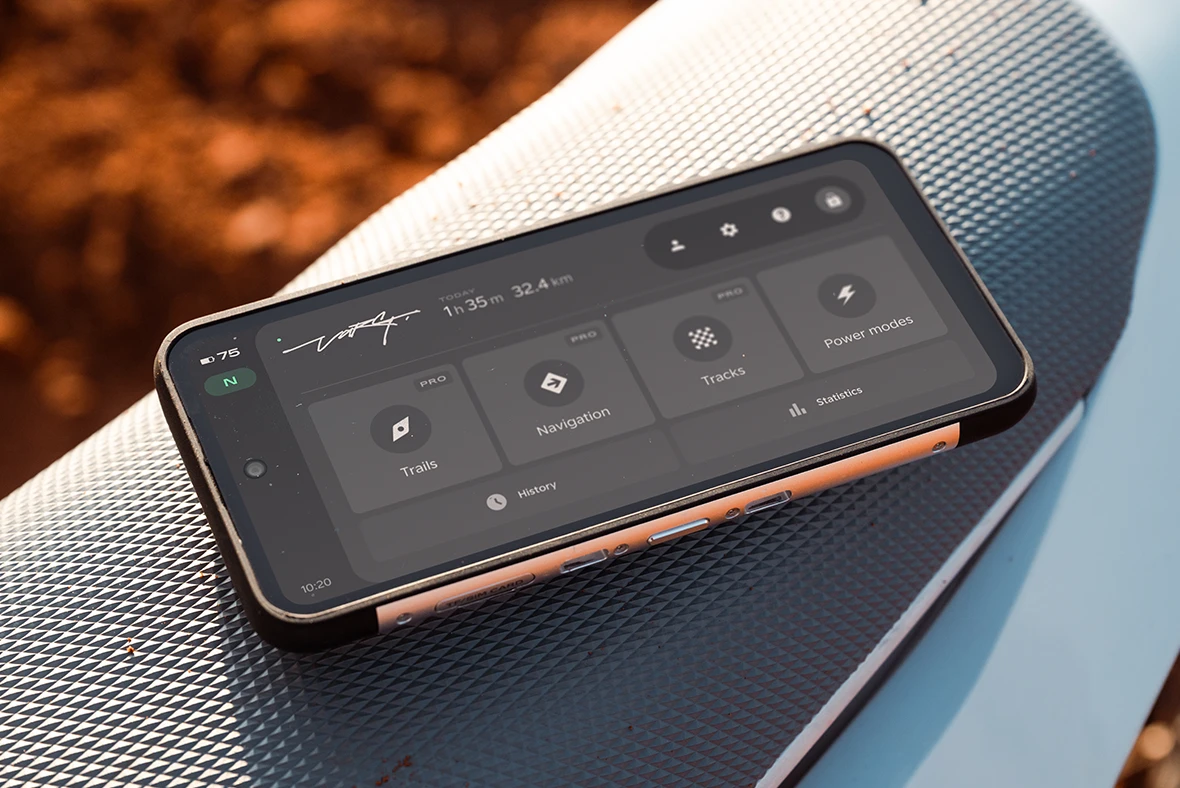
The setup part was the easy bit. The phone slides into the dock on the bike and the Stark App opens by itself.
No pairing dance, no hunting for an icon. Dock it and there's your dashboard.

What slowed me down was everything behind that first screen.
There's a lot you can change on this bike, and on day one that felt like a lot of ways to get it wrong.
So I rode it as it came, and the bike felt great anyway.
Looking back, that was the right call. I got to know how the bike behaved before I started changing it.
Is the Stark VARG phone a regular smartphone?
No. It's a purpose-built Android device made for the VARG's docking station, with the Stark App pre-installed. Stark calls it the Arkenstone. The app launches by itself the moment the phone is docked. Stark says it can double as a handheld phone, but its main job is being the bike's dashboard.
Then I changed one thing, and it clicked
Then came a loose climb I kept blowing. A friend told me to soften how the power came on and try again.
One change on the screen, one lap around, and I cleaned the climb.

That was the moment the phone turned into a tool for me.
From there I made a rule for myself. One setting at a time, and ride the same loop after each change.
Loose and rocky got a softer setup. Hardpack and open ground got more bite.

On a regular bike, those changes mean sprockets, springs and an afternoon in the garage.
Here it took a minute at the trailer, with my gloves still on.
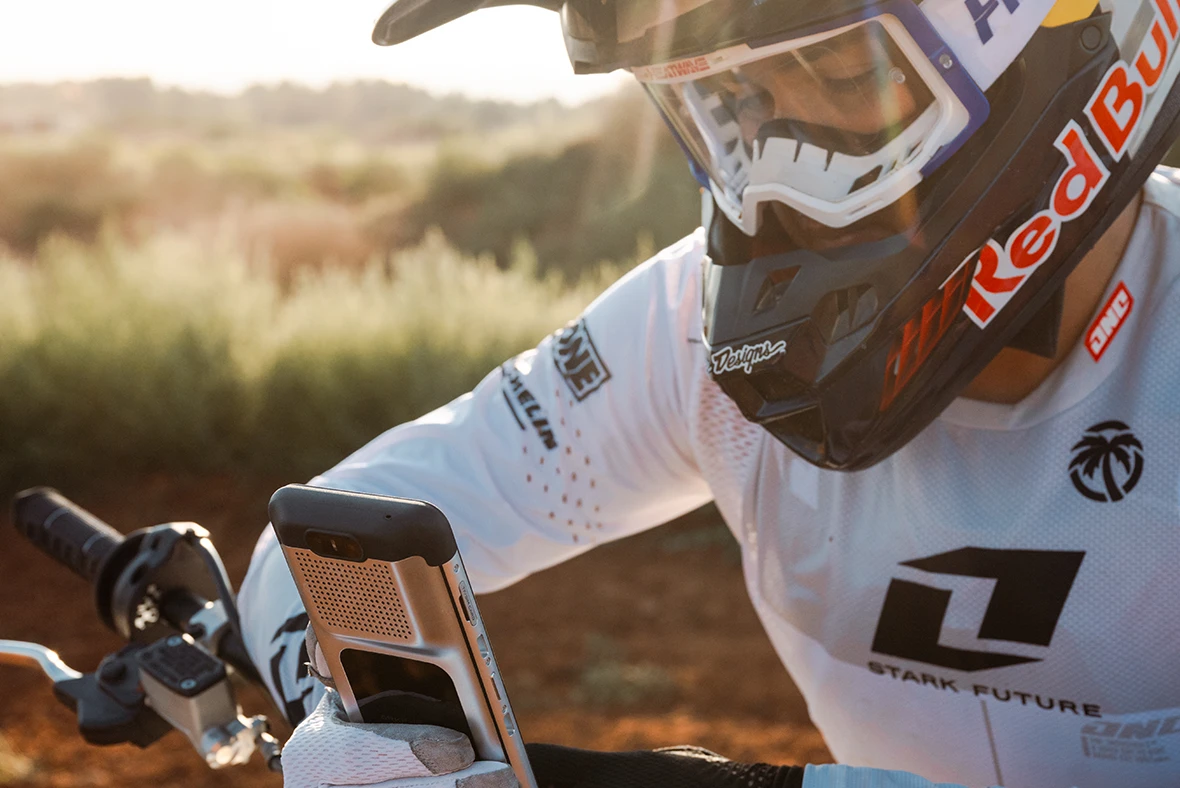


A handful of rides later, I had a rough idea of what I wanted for each place I ride.
Not perfect, and I'm still fiddling, but a lot closer than stock.
What does the Stark VARG phone actually do?
It's the bike's dashboard. It shows your ride information and gives you the Stark App, where you change how the bike behaves instead of swapping parts.
The first wet ride answered my durability question
Riding around Sisters can go from dust to rain in an afternoon, and one Saturday it did.
The phone stayed on the bars through all of it, then through the wash when I got home.
It's built with a military-grade waterproof and shockproof case, and it's meant to live out there.
The only habit I picked up was wiping the dock and the contacts after muddy rides.
That's the same thing you'd do with any bar-mounted electronics, and it takes about ten seconds.

After the wet ride
A season of that later, the screen still looks clean and the dock still holds it tight.
Will the Stark VARG phone hold up to real riding?
Yes. It uses a military-grade waterproof and shockproof case, so it's built to live on the bike through weather and washing rather than ride in your pocket.
Out on the trail, there was no signal, and it didn't matter
Plenty of the riding I do has no bars on a normal phone, let alone data.
The dashboard doesn't care. It works without a signal, and everything I wanted to change was right there.
It does take a SIM if you want connectivity, but SIM cards are sold separately and I never felt like I needed one.
That also sorted out the thing I'd wondered about before buying.
It's a piece of the bike that happens to run Android.
Once I stopped expecting it to act like my pocket phone, it made a lot more sense.
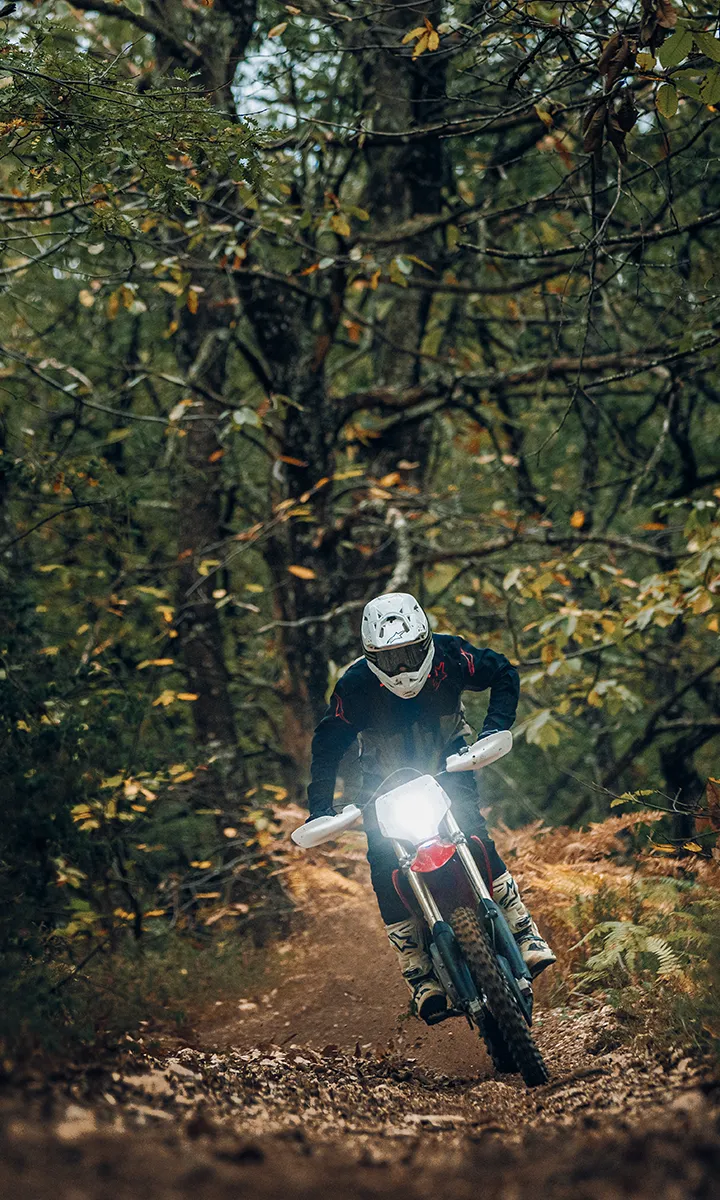
No signal, no problem
Do you need cell service to use the Stark VARG phone?
No. The dashboard works without a signal. It supports a SIM card if you want connectivity, and SIM cards are sold separately.
If you're ordering one, the fit and region take two minutes
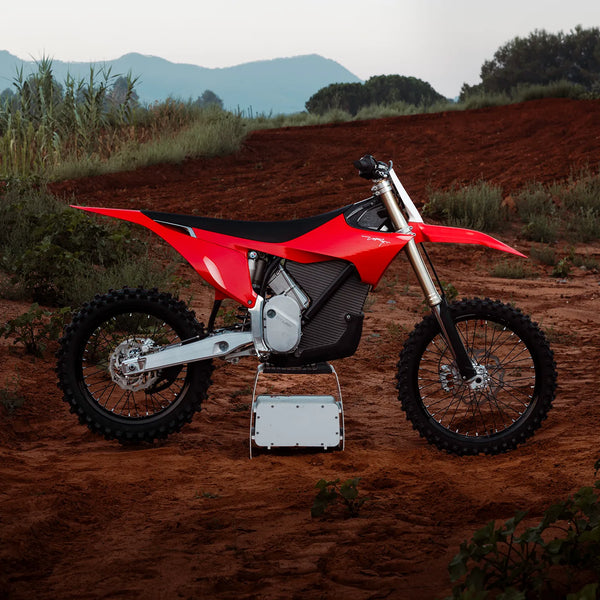
The phone fits the VARG MX 1.0, MX 1.2 and EX, so most riders are covered.
There are two versions, Rest of World and EU, and you pick the one that matches where you ride and charge.
It's the same device either way. If you're not sure which one you need, a quick call to the shop settles it.
I went with the genuine unit through Sisters Moto, which meant OEM warranty and no guessing about compatibility.

Before you order
Which VARG models does the Stark phone fit?
The VARG MX 1.0, MX 1.2 and EX. There are Rest of World and EU versions, so match the one to where you ride and charge, and call Sisters Moto at (541) 803-8385 if you're unsure.
What I loved, plus a few easy tweaks
What I loved
- Dock it and the app opens on its own
- Changing how the bike behaves takes a minute, not an afternoon
- Works with no cell signal
- Built to stay on the bike through weather and washing
- Genuine part with OEM warranty
Easy tweaks
- Dashboard first. Stark says it can double as a handheld phone, but the bike is its main job. Expect it to act like part of the bike.
- SIM sold separately. The dashboard works fine without one, so add it only if you want connectivity.
- Two regional versions. Match it to where you ride and charge, or call the shop.
- Lots of settings at first. Change one thing per ride and it stops being overwhelming fast.
Good to know
- Runs Android, built for the bike rather than your pocket
- Stark App comes pre-installed
- Fits VARG MX 1.0, MX 1.2 and EX
- Wipe the dock and contacts after muddy rides
Now it's the first thing I reach for
Now I dock the phone before I even put my gloves on.
I check the setup, think about where I'm riding, and change something if the ground calls for it.
It took a stretch of leaving it alone, then a long run of small changes, to get there.
The bike I ride now is set up nothing like the one I picked up, and I never opened a toolbox to do it.

That's the part that still gets me. Every change I made came from a screen on the handlebars.
So, would I recommend it? On a VARG, it's not really optional, and I'd rather have the genuine one with the warranty behind it.
Is the Stark VARG phone worth buying?
If you ride a VARG, it's the part that makes the bike adjustable. Genuine units come with the OEM warranty, and the dashboard and Stark App are how you get the bike set up the way you like it.
Need a VARG phone, or not sure which version? Sisters Moto is an authorized Stark VARG dealer. Give us a call and we'll sort it out.
Shop the Stark VARG Phone Call (541) 803-8385This rider story brings together owner experiences with the Stark VARG phone and is told in first person for easier reading. Product details are from Stark Future and Sisters Moto.